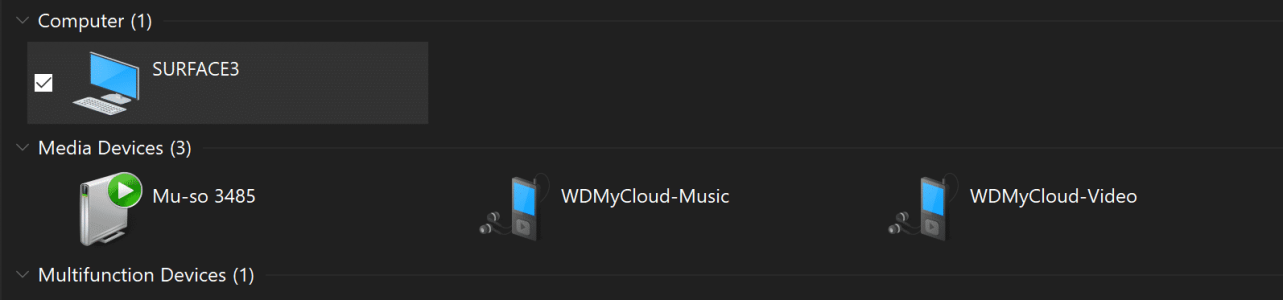
Solved WD Mycloud

Mark Vincett5

New Member
Joined
May 25, 2015
Messages
26
Points
3
My Device
SPro3
hi all can anyone help I cannot get WD mycloud to show up in explore I have try smb1 trick and changes to WiFi properties (internet protocol enable NetBIOS to enable netboiso over tcp/ip) but no luck
any help :(
 
Try this:

Use Cortana to search for "Windows features" and choose "Turn Windows features on or off". From there, tick both of the SMB options and reboot.
 
Try this:

Use Cortana to search for "Windows features" and choose "Turn Windows features on or off". From there, tick both of the SMB options and reboot.

Yep try that with no luck but thanks for the help
 
Okay, try the "Services for NFS".
again thanks for trying to help I turned on Services for NFS but still not showing them Not showing.PNG

I can map drive put do not want to do that all the time
 
Try this:

Use Cortana to search for "Windows features" and choose "Turn Windows features on or off". From there, tick both of the SMB options and reboot.

hi I got this to work by dropping the mycloud settings back to smb1
I am a home user how save is smb for me from a security point of view
 
Back
Top