

unruledboy
Active Member
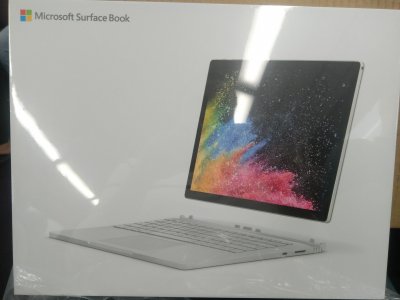
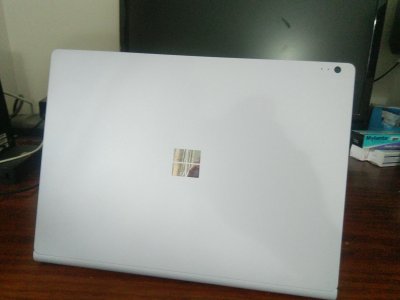
Finally got my hands on the dream machine Surface Book 2. Originally was hoping for the 15' one, but it won't be available in Australia now, and I can't wait, got the 13' 512G & 16G, dGPU 2GB.
I had to Uber twice, interchanged train several times to get this, because MS won't allow DHL to leave at front door while I was at work, and DHL was not allowed to deliver to a service point because the newsagency said the package was too big...
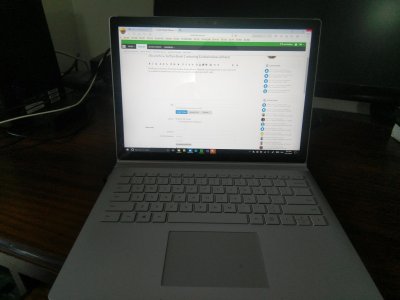
I am now typing the post via the SB2
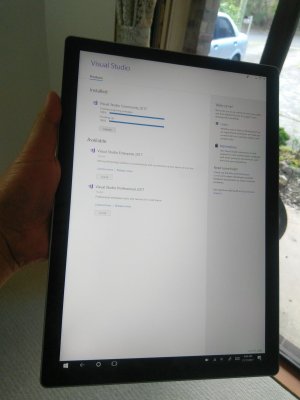
I installed lots tools (I am a developer), synced onedrive, lots of disk activities and CPU intensive stuffs, did not hear fan noise.
The good:
I had to Uber twice, interchanged train several times to get this, because MS won't allow DHL to leave at front door while I was at work, and DHL was not allowed to deliver to a service point because the newsagency said the package was too big...
I am now typing the post via the SB2
I installed lots tools (I am a developer), synced onedrive, lots of disk activities and CPU intensive stuffs, did not hear fan noise.
The good:
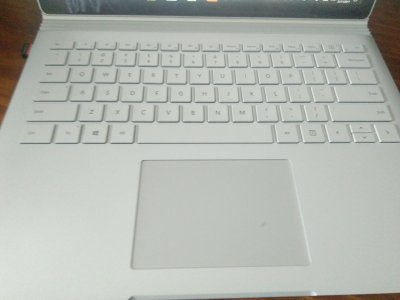
- The keyboard is solid
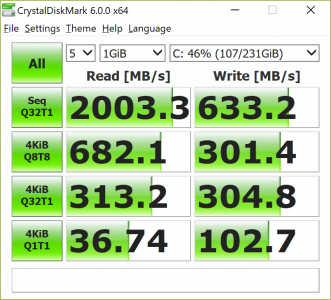
- the performance is satisfactory
- no fan noise
- no heat
- One thing though, sometimes the sreen brightness dims automatically (gets darker), I believe it is the battery saving kicks in.
- After I opened the screen for the very first time, Windows automatically started....
- Got a BSOD after coming back from sleep
Attachments
Last edited:


