
Surface laptop studio disk replacement problem (compatibility issue?)

Eastlunder

Member
Joined
Aug 5, 2014
Messages
47
Points
8
Since it seemed fairly easy and I have done it on my Laptop 3 (128=>WD512) a long time ago, I decided to replace the nvme drive in my new laptop studio. I did an updrade from 256GB to 1TB WD Black. All went smooth until the next day, when I started to get blue screens and eventually the device wouldn't even boot anymore (no bootable drive found). So..a faulty drive, or at least I thought that and I put the original 256GB drive back in and the computer worked ok.

After a week I got another drive, this time 1TB WD blue, did the cloning again, replaced the original drive and voila, it worked fabulously.. until next day when I discovered that the computer shuts down when in sleep. Later I started getting blue screens and finally, from time to time, the computer would not boot, because it couldn't find a bootable drive.

So..I am back on the original drive and clueless. Only piece of info, that I have found on the internet, was a comment from some dude with a similar experience with a WD drive and surface laptop studio.

Any ideas?
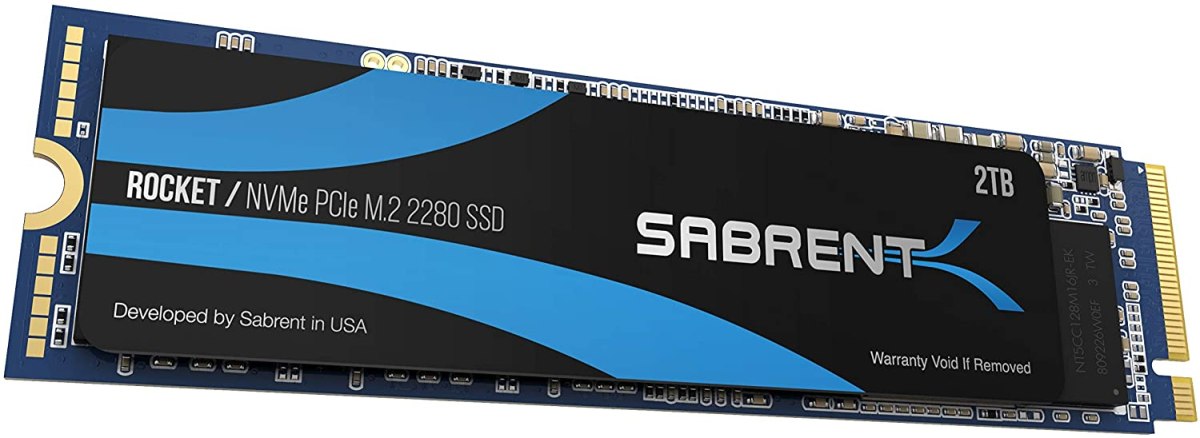
 
were these pcie4 or 3 drives? i have heard os similar symptoms with pcie4 drives.
 
Are the Firmware and Drivers up to date? Also check the power usage of the drives it's possible they may exceed what's available.
see this link for detailed SLS SSD swap info ...
 
Im in the similar situation. Got myself black wd black 1tb and anytime I move my laptop it gives Bsod and boot error. Already checked the fitting but it looks good.
 
Hopefully someone is still reading this thread. I am running into a very similar experience to Eastlunder.
I replaced my 1TB Surface Laptop Studio SSD with a 2TB WD Black 7100 SSD and used my recovery USB to reload Win 11.
Everything seemed to work fine, was running software as usual, but then I noticed the laptop would intermittently crash and just show the four squares Microsoft logo.
Then after a couple attempts it wouldn't even boot Win 11 again. I put my 1TB original SSD back in and everything is working fine.

I did not try changing PCI Link State setting to OFF yet. What's very confusing to me is how the 2TB SSD was working and just got progressively worse.
I wonder if something is causing it to fail and it is somehow corrupting the files so causes it to be worse now.

Would appreciate to hear how Eastlunder or others might have had problems but eventually successfully upgraded to 2TB or other sized SSD.
LIke another user I read, I am contemplating buying an original Surface Laptop Studio SSD but it's expensive, slower, and seems like I shouldn't need to.

Thank You
 
Just to follow up on my earlier post. I put the WD Black 7100 into an external NVME enclosure and was able to reformat it. I think that is where maybe the problem originated, not certain. Then I went with the method of using Acronis to make a backup file of my existing SSD drive and restored it onto the new SSD (installed new SSD into laptop then restored). I moved from a 1TB to 2TB so wanted to expand the main C: drive partition. Various software online claim they are 'free' but they try to upgrade you to get the features you need. I ended up just deleting the recovery partition, expanding the main partition, and then created a new recovery partition to finish. Just be careful with the newly created recovery partition. The various CMD commands didn't indicate any issue but it seems like it missed copying a critical file into the recovery partition. Check Youtube for a video that explains the steps to take. Don't use ChatGPT, it ran me in circles when I should have used logic and realized what I had to do instead.

So far everything is working fine. I still have PCI Link State OFF. Since it's all working I don't think I will attempt to turn it back on in case it crashes and corrupts something. Has anyone used a 2TB WD Black 7100 in the Surface Laptop Studio without PCI Link State OFF?
 
Back
Top