Hi, always when i turn on my surface pro 3 not start, it's blocked on surface screen, so i turn off, press power button for 30 seconds and then it's start! Why i can always do this procedure when i use it?
Thank you
When i do this: Try a "restart" while depressing and continuing to hold SHIFT key. Troubleshoot your Surface.... Surface restart but block at first image where appear surface
So if i want restart i i turn off, press power button for 30 seconds and then it's start!
I dont know why!
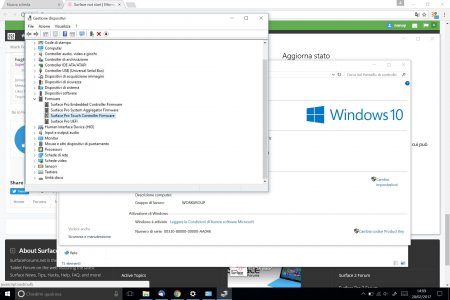
i uninstall and search for a new driver, when i restart for install it surface not start and blocked on surface start screen , same problem... i press power button to power off and then 30 seconds for restart, when windows start again a messages say: not possible install update and i have firmware error again




 Replaced the display and upgraded the SSD in a Book 2 15"