I use the four digit passcode login. much quicker than typing a password, and easier to use with the touchscreen number pad, I'm in in less than a couple of seconds that way.
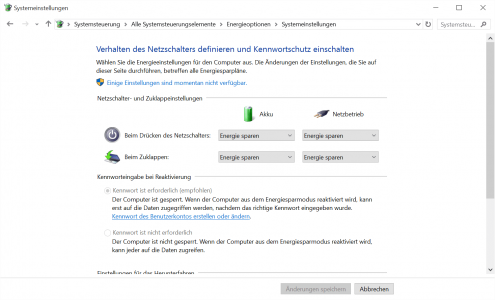
Easiest way I know is to type screen saver in search. Go to screen saver settings and see if it is set to ask for a password when it comes on. Not saying that's where the problem is, just asking that you check it.
Easiest way I know is to type screen saver in search. Go to screen saver settings and see if it is set to ask for a password when it comes on. Not saying that's where the problem is, just asking that you check it.